
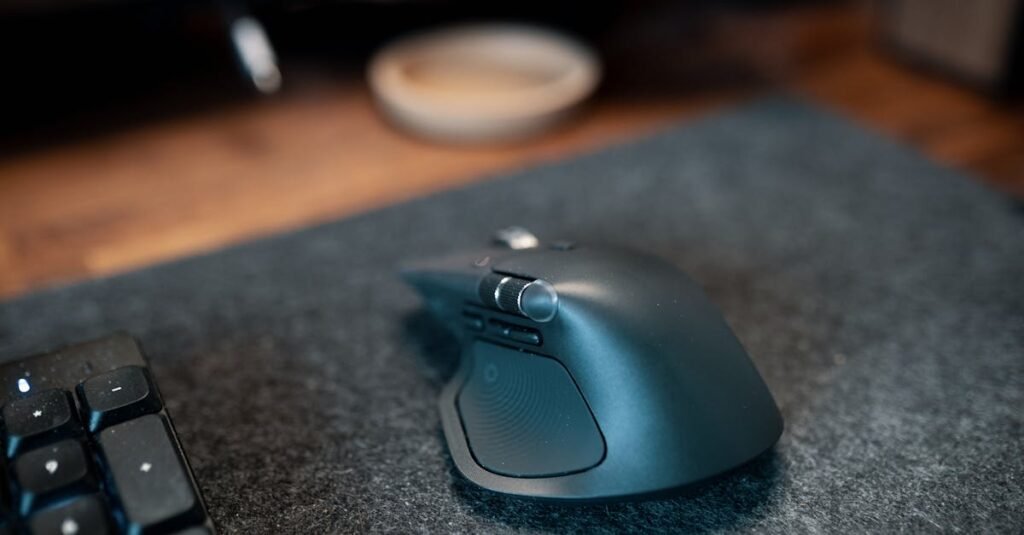
Most mice are built for average or large hands — and if yours are on the smaller side, you’ve probably felt it: that awkward stretch to reach the right-click button, the dull ache that starts around hour three. The fix isn’t a wrist rest or a different desk height. It’s a mouse that was actually sized for your hand.
These five are the ones worth looking at. They cover the range from budget vertical to premium rechargeable to trackball — because “ergonomic” isn’t one shape, and the right one depends on how you work.
The Lift is one of the very few vertical mice designed specifically for smaller hand sizes — Logitech labels it “Small/Medium,” and that distinction actually means something. Most vertical mice are technically ergonomic but sized for average-to-large hands, which defeats the point entirely. With the Lift, the button placement lands right where your fingers naturally rest without stretching.
The quiet clicks are genuinely quiet — noticeably softer than a standard mouse, which matters in shared spaces or late-night sessions. Battery life runs months on a single AA, and dual connectivity (Bluetooth + USB receiver) means it works with anything. The adjustment period is real — vertical mice feel strange for a day or two — but most people say they can’t go back after a week.
If the Lift is the practical choice, the MX Vertical is what you get when you want everything dialled up. The build is noticeably more premium — less plasticky, more solid in hand. It charges via USB-C instead of swapping batteries, which alone is worth the price jump for a lot of people. Customizable buttons through Logitech Options+ software, and multi-device pairing means switching between laptop and desktop is a single button press.
For small hands, it works well — though it’s sized slightly larger than the Lift, so people on the very small end should keep that in mind. The price is a significant step up, and casual users won’t use half the features it offers. But if you’re at a desk 8+ hours a day, the investment consistently pays off.
The Anker is where you go to test whether a vertical mouse actually works for you before spending real money. It’s priced low enough that a misfire doesn’t sting, but functional enough that a lot of people just stick with it long-term. The vertical angle does the job — forearm sits in a more neutral position, pressure comes off the wrist. DPI adjustable between three settings, wireless via USB dongle, plug-and-play.
Where it shows its price tag: the plastic feels lighter than Logitech’s offerings, scroll wheel resistance is slightly cheap, and buttons can feel stiff out of the box (they loosen after a few days). For an entry point into ergonomic mice, it does exactly what it needs to.
The Sculpt takes a different approach — instead of going fully vertical, it sits at a gentler angle with a wide, rounded body that fills the palm. It’s an easier transition for people who find true vertical mice too much of a jump. The thumb scoop on the side is a genuinely useful detail; it gives your thumb a natural resting place instead of leaving it floating.
The complication for small hands specifically: it’s a wide mouse, and if your hand is quite small you may find yourself slightly overstretching to reach the top buttons. Pairs well with a Microsoft keyboard, wireless via a dedicated USB nano-receiver. One real limitation: proprietary receiver only — no Bluetooth, no sharing with other devices.
Trackballs are worth mentioning for a specific reason: your hand doesn’t move at all. The mouse stays still and you roll the ball with your fingers to control the cursor. For people with chronic wrist or shoulder strain, this changes the equation entirely — you’re removing the movement that causes the problem. The Kensington Orbit works particularly well for small hands because fingers do the work, so hand size matters a lot less than with standard mice.
The scroll ring around the ball replaces a traditional scroll wheel — most people either love it or find it awkward, not much middle ground. Small desk footprint. Honest downside: precision has a real skill ceiling, and fast cursor movements feel imprecise until you’ve put in meaningful time with it. Worth committing to for a week before deciding.
My honest read on each one
For most people with small hands: the Logitech Lift. It was designed for this specific use case and it shows — button placement, weight, size. If you’re only going to try one ergonomic mouse, start here.
If you already know vertical mice work for you and want the best: MX Vertical. USB-C charging and multi-device pairing make it worth the premium for heavy desk users. Just know it’s slightly larger than the Lift.
Not sure if vertical is for you: Anker first. Spend $25 to find out if the format works before committing to a $100 mouse.
Wrist pain but vertical feels too extreme: Microsoft Sculpt. The gentler angle is an easier adjustment, and the thumb scoop genuinely helps — just be aware of the width if your hands are very small.
Serious repetitive strain, shoulder involved too: Kensington Orbit. It’s a different solution category — the hand stops moving entirely. Takes a week to learn properly, but people who make the switch tend to keep it.
Disclosure: This post contains affiliate links. As an Amazon Associate, I earn from qualifying purchases at no additional cost to you.