
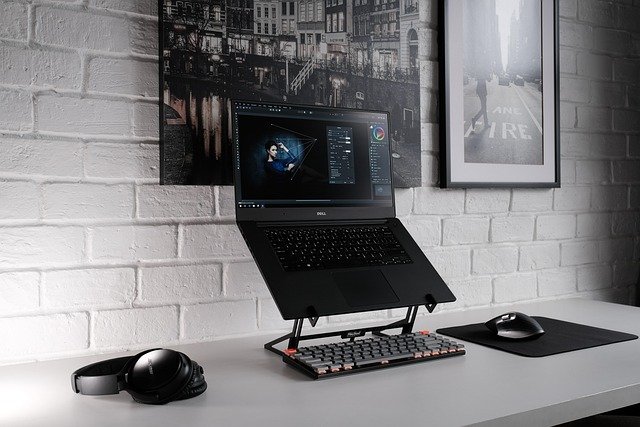
My laptop started throttling during a gaming session a while back — the kind of slowdown where you can actually feel the machine crying for help. Picked up a cooling pad as a temporary fix and ended up keeping it on the desk permanently. Turns out most laptops, whether you’re gaming or just grinding through work tabs, run meaningfully better when the heat has somewhere to go.
These five are the ones worth looking at. All available on Amazon.ca.
This is the one you grab when portability is the priority. The HV-F2056 is genuinely slim and light — the kind of thing that fits flat in a bag alongside your laptop without adding meaningful weight to the load. Setup is as simple as it gets: plug it into a USB port and it’s running. No drivers, no software, nothing to figure out.
What surprises people most is how quiet it stays. Even at full fan speed it barely registers in a quiet room, which matters if you’re in a shared space or just sensitive to fan noise. The soft blue glow is calm rather than flashy. Two USB pass-through ports mean you’re not actually losing a port by plugging it in. Height adjustment is minimal, but for coffee shop sessions or couch use, it honestly doesn’t come up much.
If you want actual control over your cooling rather than just “fan on or off,” the Liangstar is worth a closer look. Adjustable fan speeds let you dial things up during a gaming session and dial them back when you switch to something light — a small but genuinely useful feature that most budget coolers skip entirely. The metal mesh surface feels more solid than the typical plastic decks, and multiple angle settings make a real ergonomic difference across a long day at the desk.
It’s a bit bulkier than ultra-slim options, but the trade-off is airflow that actually moves heat away from the chassis. The LED ring adds some personality without being over-the-top. USB pass-through is included; the only minor gripe is the cable could be a few centimeters longer.
The LIENS is the one I’d point someone toward if neck or wrist strain is already part of the picture. It offers more height configurations than most in this price range — enough that you can actually find the angle that works for your setup rather than settling for whatever the fixed position gives you. That kind of adjustability pays off quickly during long desk sessions.
Fan noise stays low even at higher speeds, making it a better fit for offices or shared spaces. The roomy surface handles 15 and 17-inch laptops without crowding. No LED lighting, which is a genuine plus in a lot of environments. One practical note: the feet can slide on very smooth desks, but a mousepad underneath solves that completely.
The Klim Wind shows up constantly in gaming discussions, and the reason is straightforward: it moves more air than most. If your laptop runs hot under sustained load — long gaming sessions, video rendering, anything that keeps the CPU and GPU working — this is the one that actually addresses the problem rather than just taking the edge off. It’s sized for larger gaming laptops without feeling cumbersome, and the build holds up well over time.
The blue LEDs add appropriate flair without being aggressive about it. Fan speed is fixed rather than adjustable, but the default setting is exactly where you’d want it for most use cases. Extra USB ports are a welcome addition. It takes up more desk real estate than a compact option, so it’s less ideal for tight spaces — but for laptops that are genuinely struggling with thermals, it earns its reputation.
The Targus Chill Mat is the cooler you recommend to someone who just wants it to work and doesn’t want to think about it again. Dual fans keep things consistently cool without producing noise that competes with what you’re watching or playing. The surface grip is solid — your laptop stays put even during heavy typing, which sounds minor until you’ve used one that doesn’t.
No LED lighting, no adjustable speed, no extras of any kind. The angle is fixed, which works fine for most people. What you get is a stable, dependable platform that large workstation and gaming laptops sit comfortably on, day after day. Sometimes the best tool is just the one that does its job without asking anything of you.
The pick comes down to what you actually need. The havit HV-F2056 is the easy answer if portability is the main thing — quiet, light, and unobtrusive. If you want more control and better airflow, the Liangstar earns its place on a gaming desk. Long work days where ergonomics matter point toward the LIENS. For laptops that run seriously hot under load, the Klim Wind actually deals with the problem. And if you just want something dependable and out of the way, the Targus Chill Mat has been the right answer for a lot of people for a long time.