
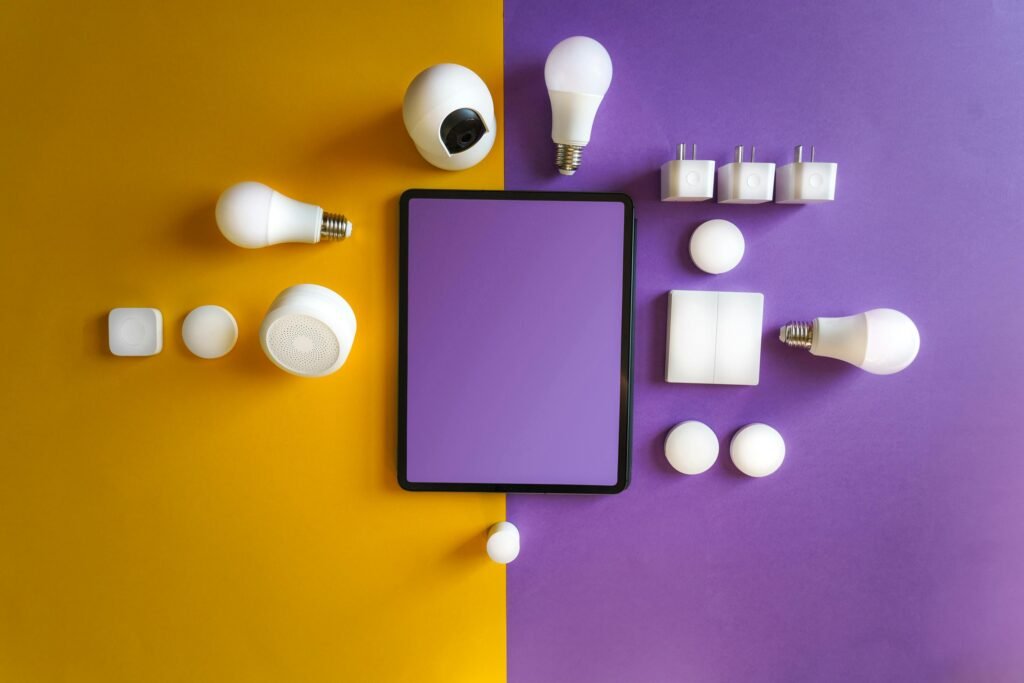
If you’ve never used a smart plug before, the concept sounds more complicated than it is. You plug it into a wall outlet, connect it to your Wi-Fi, and suddenly any lamp, fan, or coffee maker becomes something you can control from your phone — or set to run on a schedule automatically. No rewiring, no hub required, no technical background needed. This guide covers what to look for when buying one, which type fits your situation, and seven automations you can set up the same evening you unbox it.
Quick Comparison
| # | Product | Best For | Link |
|---|---|---|---|
| TOP | Kasa EP25 (15A, Energy Monitoring) | Most homes — scheduling + usage tracking | View on Amazon |
| #2 | Wyze Plug (10A, Compact) | Budget pick, basic scheduling | View on Amazon |
| #3 | Treatlife Outdoor Smart Plug (IP44) | Patio lights, outdoor seasonal use | View on Amazon |
What to Look for Before You Buy
The most important number on the box is the amp rating. Most household lamps, fans, and small appliances run comfortably on a 10–15A plug. Where people get into trouble is plugging in space heaters or high-draw appliances — smart plugs aren’t rated for those, and it’s worth checking the label before you assume everything qualifies. Beyond amps, the two features that actually split buying decisions are energy monitoring and outdoor weatherproofing. Energy monitoring lets you see exactly how much electricity a device is drawing in real time, which sounds like a novelty until you realize your old desktop is quietly costing you more than everything else combined. Outdoor plugs need at least an IP44 rating to handle rain and humidity — a standard indoor plug left outside will fail, usually at the worst time.
1. Kasa EP25 Smart Plug (15A, Energy Monitoring)
The Kasa EP25 is the one that makes the most sense for most people. It handles up to 15A, which covers almost any household device you’d realistically want to automate, and the built-in energy monitoring is genuinely useful rather than a checkbox feature. The Kasa app is one of the more polished ones in this category — schedules are easy to set, the interface doesn’t feel like it was designed in 2014, and it works with both Alexa and Google Assistant without any extra setup. It also supports Matter, which means it’ll play nicely with whatever smart home ecosystem you’re building toward. The one thing to know going in is that the plug is slightly wider than a standard outlet cover, so on a tight power bar it might block the adjacent socket.
The setup takes about three minutes if your Wi-Fi is on 2.4GHz. If you try to pair it on 5GHz and it won’t connect, that’s why — switch bands and it’ll go through immediately.
Best for: Anyone who wants a reliable everyday smart plug with the bonus of knowing what their devices are actually costing them.
2. Wyze Plug (10A, Compact)
The Wyze is the right call if you want to try smart plugs without spending much. It’s small enough that it doesn’t cover the second outlet on most wall plates, the app works, and the scheduling does exactly what you’d expect. The trade-off for the price is that it caps at 10A, so it’s better suited to lamps, phone chargers, and small fans than anything with a motor or heating element. Energy monitoring isn’t included, and the Wyze ecosystem can feel a bit fragmented if you start adding other Wyze devices. But for a first smart plug on a lamp or a bedside fan, it’s hard to argue with the price.
Best for: First-time smart plug buyers who want to test the concept without committing to a premium product.
3. Treatlife Outdoor Smart Plug (IP44, 2-Outlet)
Outdoor smart plugs solve a specific problem: seasonal lights, patio fans, and garden pumps that you want on a schedule without having to remember to flip a switch. The Treatlife outdoor plug has two independently controlled outlets and an IP44 weatherproof rating, which means it handles rain without issue. The app is straightforward — scheduling is easy to set up, and it works with both Alexa and Google Assistant without any extra steps. What it does well is exactly the core use case: set your patio string lights to come on at sunset and turn off at midnight, and forget about it. The dual outlet design is genuinely useful outdoors since you rarely have just one thing to plug in.
Best for: Outdoor seasonal lighting, patio setups, or anyone who wants two independently controlled outdoor outlets on a single plug.
7 Automations Worth Setting Up
Most people buy a smart plug, put it on one lamp, and stop there. These are the ones that actually change your routine once you set them up.
A wake-up lamp is the easiest starting point — set a lamp to turn on ten minutes before your alarm so you’re not waking up in complete darkness. Paired with a warm bulb it’s a noticeably better way to start the morning. The bedtime version of this is just as simple: set the same lamp to turn off at a fixed time so you’re not falling asleep with it still on.
Away mode is one that adds a layer of security without any ongoing effort. Set a lamp to turn on and off at randomized intervals in the evening when you’re travelling — from the street it looks occupied. Most smart plug apps have a randomize option built in.
A fan timer is useful if you run one to fall asleep but don’t want it running all night. Set it to cut off after 45 minutes and you won’t have to think about it. The same logic applies to a humidifier if you only want it running during sleeping hours.
For holiday or patio lights, an outdoor plug on a sunset-to-midnight schedule is the cleanest solution. It accounts for the shifting sunset time automatically if the app supports location-based scheduling, which most do now.
If you have a fish tank or any device that needs a short timed run in the early morning, a smart plug handles this more reliably than a mechanical timer and lets you adjust the schedule from your phone without touching the device.
Setup in Three Steps
Pair the plug on 2.4GHz Wi-Fi — nearly every smart plug on the market requires this, and it’s the most common reason setup fails. Name your devices by room and function from the start (“Living Room Lamp” instead of “Smart Plug 1”) — it becomes important fast once you have more than two. Check the time zone and daylight saving settings in the app before you rely on schedules; a plug that’s an hour off on a sunrise routine is annoying to debug later.
Common Mistakes
The most common one is overloading the amp rating. Space heaters in particular draw more current than most smart plugs are rated for — check the appliance label before plugging it in. The other one is placing the plug somewhere with weak Wi-Fi signal, like behind a metal appliance or inside a cabinet. Smart plugs don’t handle signal drops gracefully and will drop off your network. Keep them in open line-of-sight to your router where possible, or consider a Wi-Fi extender if your home has dead zones.
Wrapping Up
For most people, the Kasa EP25 is the straightforward pick — reliable, well-supported, and the energy monitoring pays for itself in awareness alone. The Wyze is the right starting point if you’re not sure smart plugs are worth it yet and want to test cheaply. And if your use case is outdoors, the Teckin SP22 handles it without overcomplicating things. Pick one, set up two or three automations the first evening, and you’ll have a clearer sense of where else in your home it makes sense.
Disclosure: This post contains affiliate links. As an Amazon Associate, I earn from qualifying purchases at no additional cost to you.